

Note
Go to the end to download the full example code.
Crop an EBSD detector#
This example shows how to crop an EBSDDetector.
Imports.
import matplotlib.pyplot as plt

import kikuchipy as kp
Create an EBSD detector.
det = kp.detectors.EBSDDetector((150, 200), pc=[0.6, 0.5, 0.5])
print(det)

det.plot(coordinates="gnomonic", draw_gnomonic_circles=True)
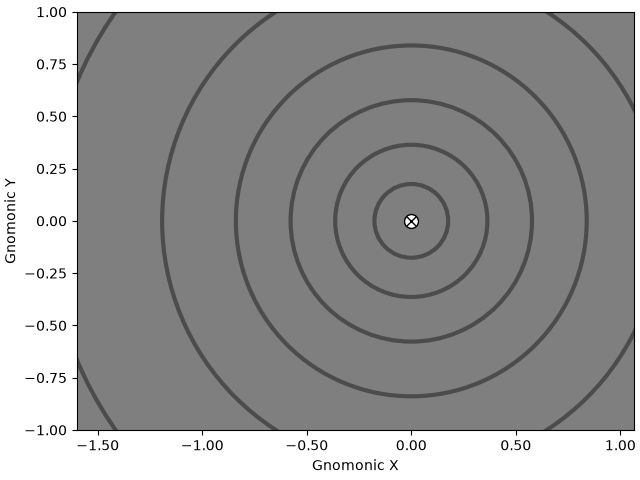
EBSDDetector
  shape (Ny, Nx):     (150, 200)
  pc (PCx, PCy, PCz): (0.6, 0.5, 0.5)
  sample_tilt:        70.0°
  tilt:               0.0°
  azimuthal:          0.0°
  twist:              0.0°
  binning:            1
  px_size:            1.0 um
Crop away the upper 30 pixels and notice how the PC is adjusted accordingly.
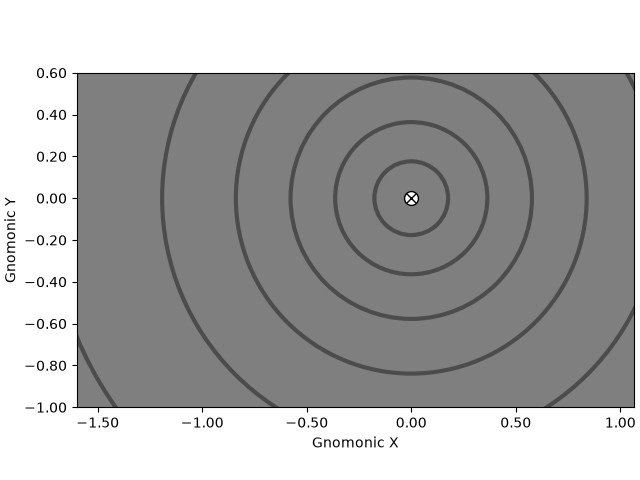
EBSDDetector
  shape (Ny, Nx):     (120, 200)
  pc (PCx, PCy, PCz): (0.6, 0.375, 0.625)
  sample_tilt:        70.0°
  tilt:               0.0°
  azimuthal:          0.0°
  twist:              0.0°
  binning:            1
  px_size:            1.0 um
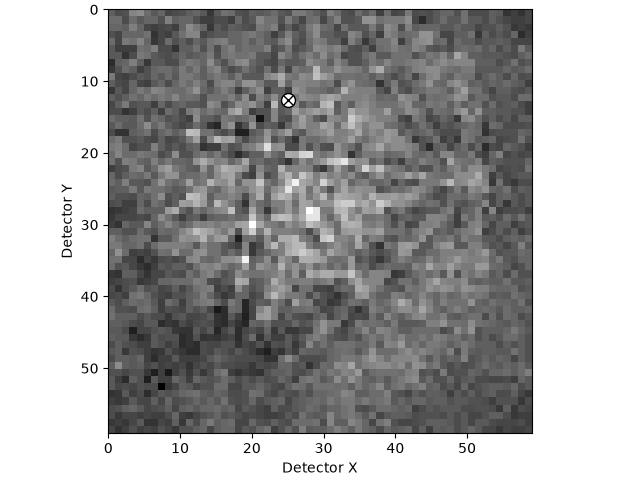
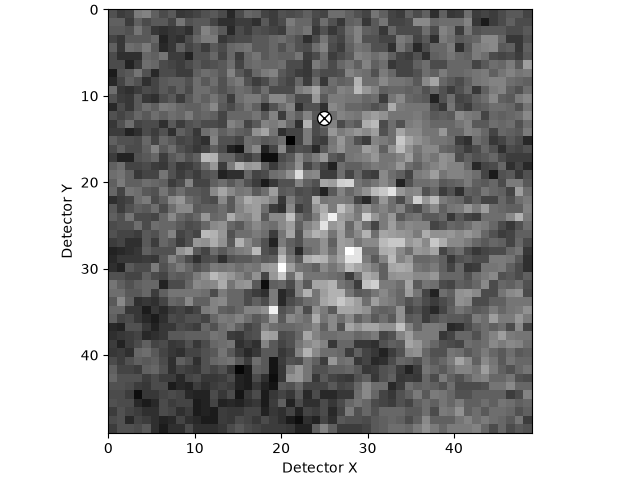
Plot a cropped detector with the PC on a cropped pattern.
s = kp.data.nickel_ebsd_small()
print(s)

s.remove_static_background(show_progressbar=False)

det3 = s.detector
det3.plot(pattern=s.inav[0, 0].data)

det4 = det3.crop((0, 50, 0, 50))
det4.plot(pattern=s.inav[0, 0].data[:50, :50])

plt.show()
<EBSD, title: patterns Scan 1, dimensions: (3, 3|60, 60)>
Total running time of the script: (0 minutes 0.379 seconds)